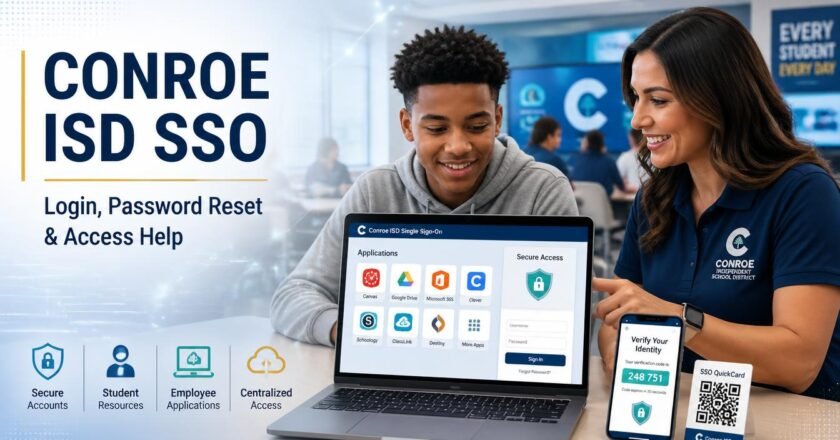

Conroe ISD SSO: Login, Reset Password & Help
Conroe ISD SSO gives students and employees one central place to access district applications, email, and digital learning tools. Instead of remembering a separate password for every service, users can sign in through the district’s ClassLink portal and open the applications assigned to their account.
The most direct way to reach the Conroe ISD SSO login page is to type sso.conroeisd.net into your browser. This guide explains how to sign in, use a student QuickCard, reset a forgotten password, complete multi-factor authentication, and determine whether you need the SSO portal or the separate Parent Portal.
What is Conroe ISD SSO?
SSO stands for single sign-on. Conroe ISD uses ClassLink as its central sign-in platform for authorized students and employees. After logging i...
